The LAMP enviorment and the wordpress website consists of 4 parts:Linux operating system,Apache(httpd) webserver,Mysql database language,Php(or Python) language.If the Php version is outdated,you can update your Php version.
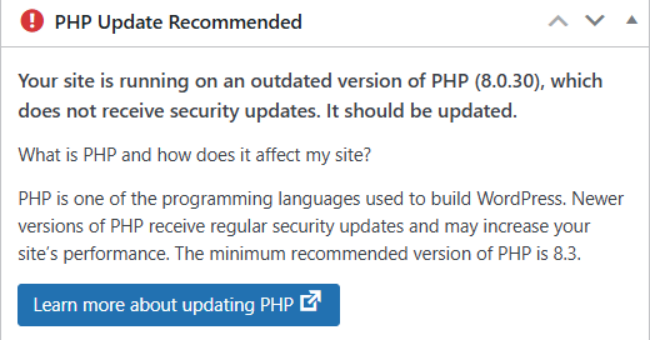
1.Check your Php verison.Input ‘php -v‘.
2.If the Php version is outdated,input ‘dnf update -y php‘ to update Php version.
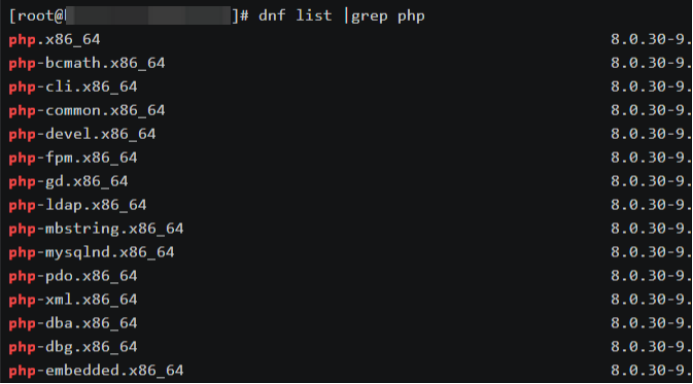
Before the updation,you can input ‘dnf list |grep php‘ to check the version of Php installation package.
When the update completed,input ‘php -v‘ to check the new version of Php.
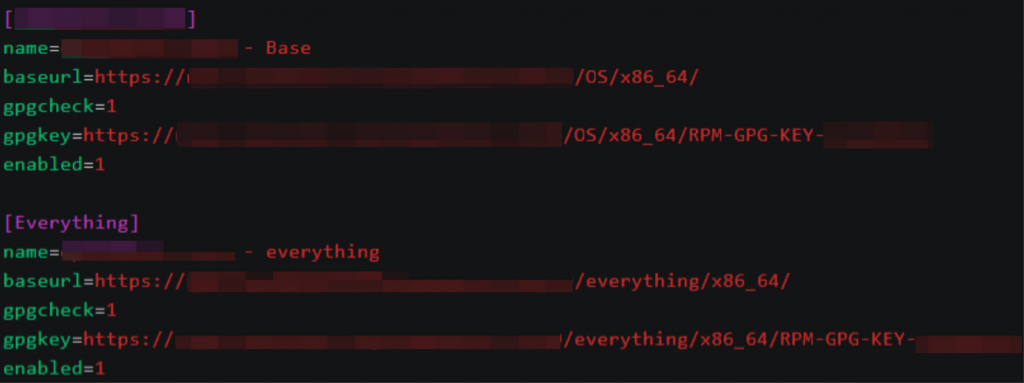
3.If the version is outdated,change the new yum source in the directory ‘/etc/yum.repos.d‘.You can move the old repository to avoid the conflict of yum source.
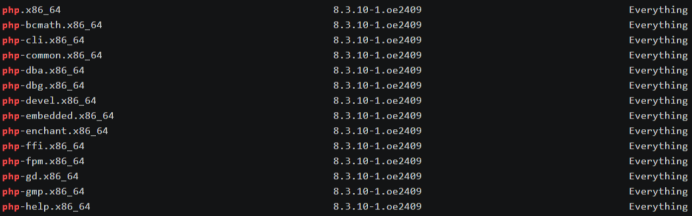
And input ‘dnf list |grep php‘ to check the new version of Php.
4.Stop the web server(Apache,Nginx) before update.Input ‘systemctl stop httpd(nginx)‘ to stop the web service.Then,input ‘dnf update -y php‘ to update the Php version.After the updating,input ‘systemctl restart httpd(nginx)‘ to restart the web service.
5.Finally,when the update completed,you can input ‘php -v‘ to check the new version.And visit the IP Address:Port(or Domain Name:port),if the website is not accessible,rollback the version.Input ‘dnf remove -y php*‘ to uninstall Php.Change the old yum source in the directory ‘/etc/yum.repos.d‘,and input ‘dnf install -y php‘ to rollback.Finally,the website is accessible.
Leave a Reply