Premise:The cloud server can logging by local method(like VNC),but remote logging is unavailable.The cloud server can’t log in by SSH,or by remote tools like Cloudshell,Xshell.How to solve the problem?
First,log in the cloud server by correct usermane and password.

This is the checklist to solve the problem:
1.Input ‘systemctl status sshd‘ in the cloud server to check the sshd service.When the sshd is inactive,you can input ‘systemctl start sshd‘ to restart sshd.
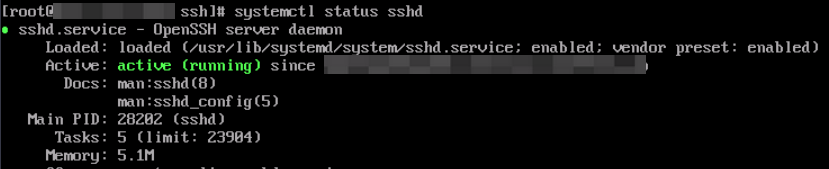
When sshd service can’t start nomally,and output wrong imformation.Input ‘systemctl status sshd’ to check the details.
2.Check configuration files.Configuration files are /etc/ssh/ssh_config and /etc/ssh/sshd_config.Before checking files,you can close SELinux and firewall,or manage ports of SELinux,or release ports of firewalld.

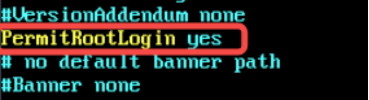
Check the file /etc/ssh/sshd_config.
Permit root account login.
This part control IP addresses and port of sshd.The default port of sshd is 22.
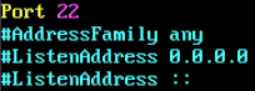
After modification of sshd configuration file.Input ‘systemctl restart sshd’ to restart sshd service.
3.Input ‘netstat -tnlp |grep sshd‘ to check status of ports.The port 22 must be listening.If port 22 is not listening,check sshd service or configuration file.

4.Check ports of security group and configure security group rule.
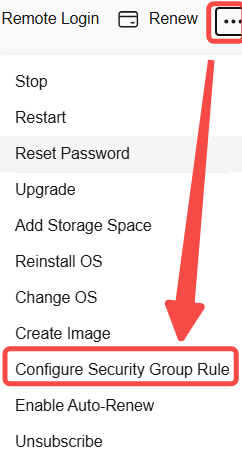
Choose your security group and configure ports.You can add,modify,delete rules by this page.There inbound rules and outbound rules.A rule contain protocol,port,description,and so on.
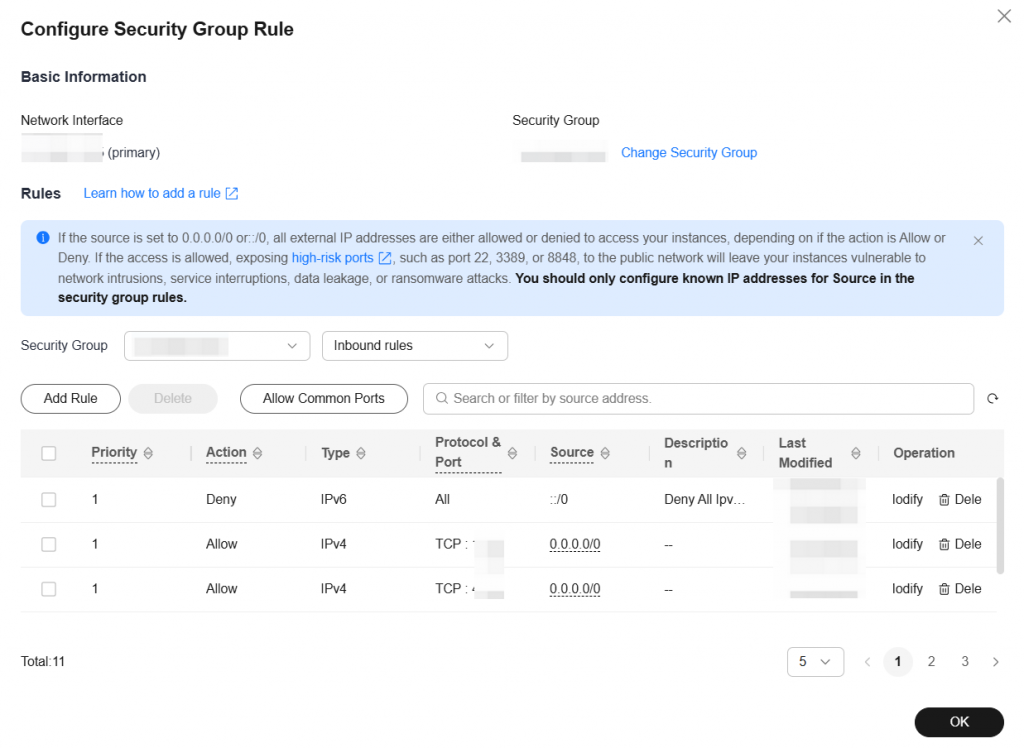
The default port of ssh is 22,port 22 must be released.

If port 22 is not exist,click ‘Add Rule’ to release port 22.
5.Access Elastic IP address(EIP).When the webserver is running(like apache,nginx,and so on),you can visit the Elastic IP address of cloud server.

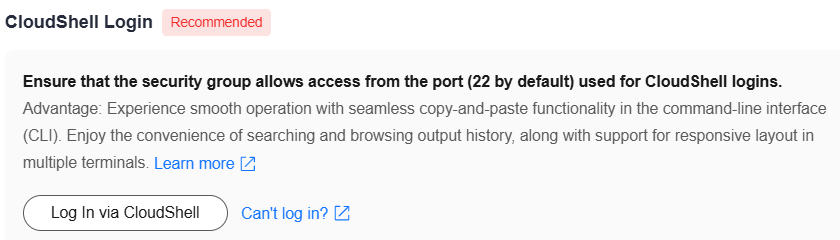
After checking,you can login and visit your cloud server by ssh.You can input ‘ssh “username”@”EIP”‘ in your windows ‘cmd’ page.There are many remote tools like Cloudshell,Xshell,and so on.You can login remotely by these tools.
Leave a Reply