1.Check Spaces.
Input ‘df -h’ to check spaces of the cloud server.When the / partition is full(100% used).The service(like mysql,httpd,and so on) of cloud server wouldn’t be operated.The business/website of the cloud server can’t be visited normally.Filesystem can’t read-in any data.
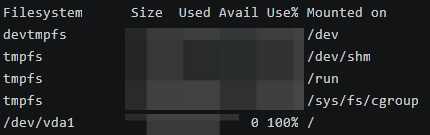
In addition,‘df -h’ commmand can check system mounting and use ratio of disks.
2.Check spaces in the zabbix website.
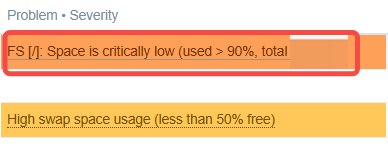
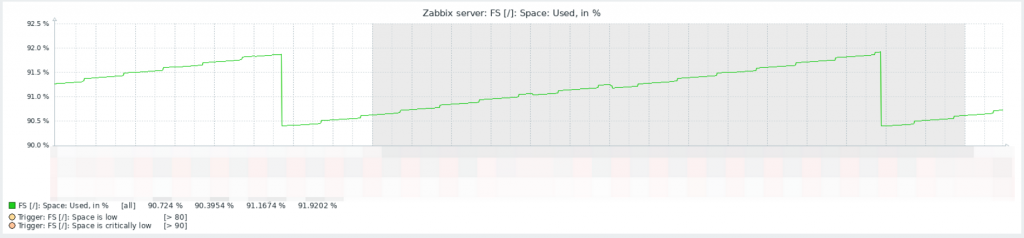
3.When the space is full,how to solve it?
First,you can input ‘journalctl –disk-usage’ to check size of journald log file.Input ‘journalctl –vacuum-time=7d’ to clean logs.Input ‘dnf clean all’ to clean cache of software packages.And you can clean abandoned documents in the /opt directory.
Then,input ‘du -sh /* 2>/dev/null | sort -hr | head -20’ to check the biggest 20 directories.
If the /var directory is the largest,check the /var directory.Input ‘du -sh /var/* 2>/dev/null | sort -hr | head -20’.

The largest directory of /var is /var/lib,input ‘du -sh /var/lib/* 2>/dev/null | sort -hr | head -20’ to go deep into it.After checking,the two largest directories are /var/lib/docker and /var/lib/mysql.
And then,clean spaces of docker and mysql.
4.Space Cleaning of Docker.
Input ‘docker system df’ check data volumes managed by docker.

Check images and progress of docker.

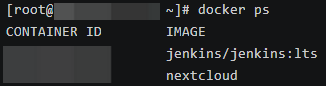
Delete docker images by ‘docker system prune -a -f’.Delete stopped containers by ‘docker container prune -f’.
Warning:unused or untagged images will be deleted.Stopped containers will be deleted too.

Check spaces of docker ‘du -sh /var/lib/docker/containers/’.Check active local volumes by ‘ docker ps -a –format “table {{.Names}}\t{{.Mounts}}” | grep -v “NAMES” ‘.
Delete logs of docker by ‘sudo find /var/lib/docker/containers -name “*-json.log” -exec truncate -s 0 {} \;’.Cleaning log files does not affect runnning containers.
5.Space Cleaning of Mysql.
Input ‘du -sh /var/lib/mysql’ and ‘du -sh /var/lib/mysql/* 2>/dev/null’ to check spaces of /var/lib/mysql directory.
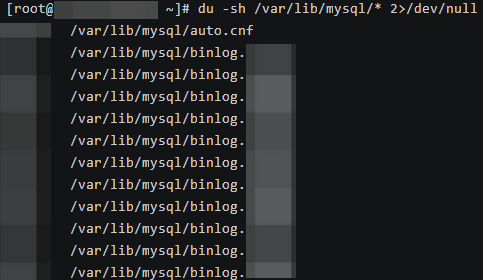
There are too many binlog files.Login mysql.

There are too many binary logs in the database.
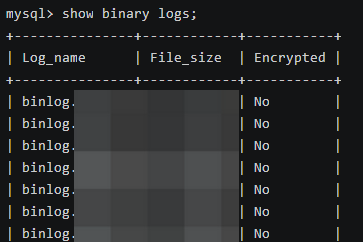
Clean up binlogs from 3 days ago by ‘purge binary logs before date_sub(now(),interval 3 day);’.
Binary logs has been cleared up.
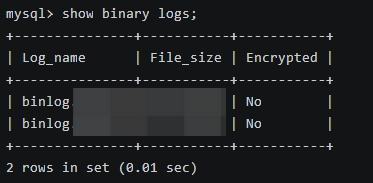
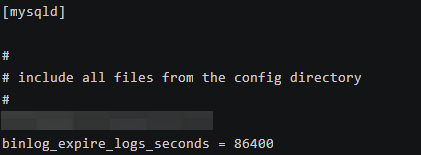
After cleaning,you can set automatic cleaning.Binary logs for 1 day will be automatically deleted.

You can modify ‘/etc/my.cnf’ to configure automatic cleaning.
6.Space cleaning of Zabbix database.
Check databases in the mysql service.
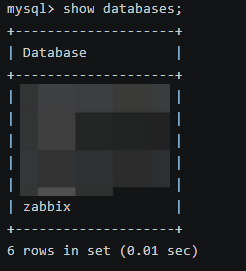
Table ‘distory_text’ occupied more than 22GB space of the table ‘zabbix’.
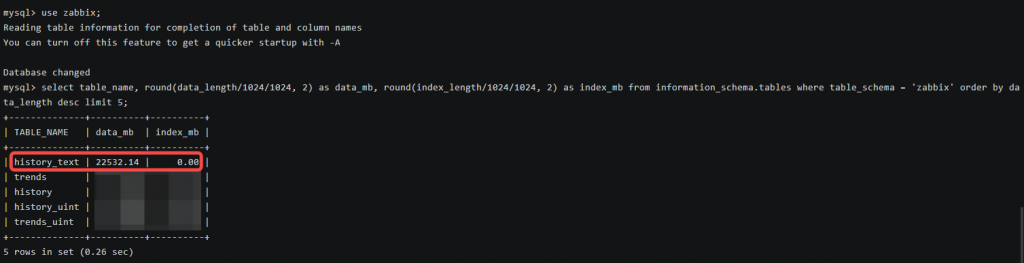
If you want to clean all of space of ‘history_text’,input ‘truncate table history_text;’ to clean it.
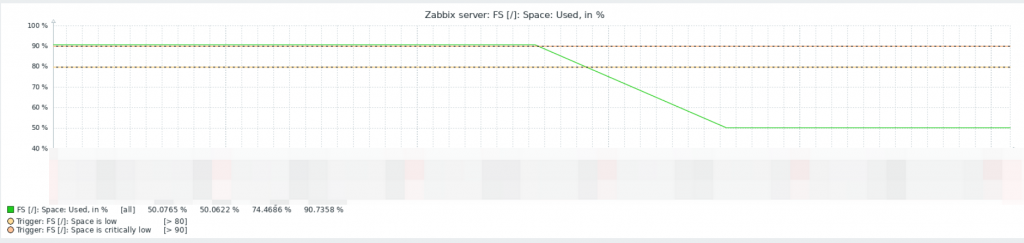
Now the space is cleaned.
7.Strategy Adjustment of Zabbix

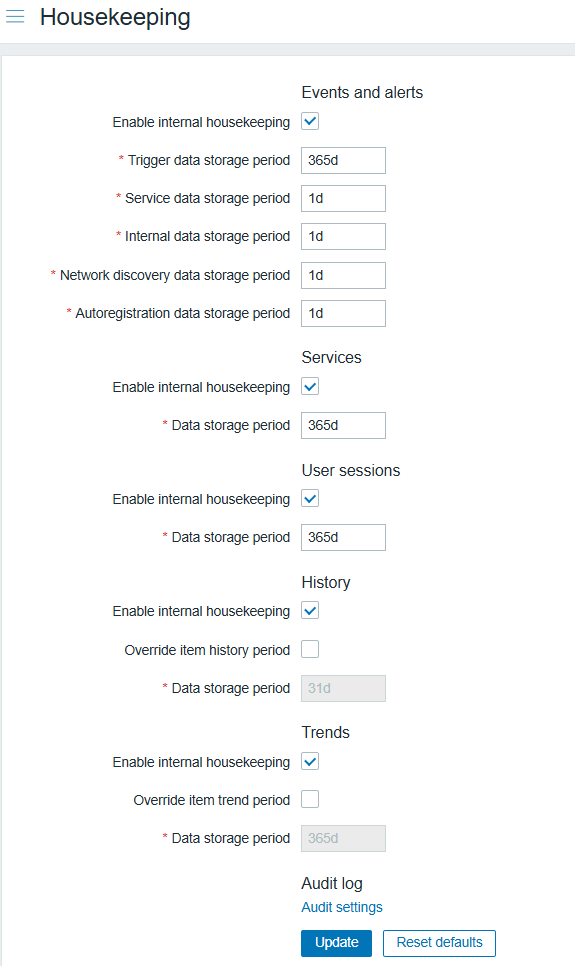
Set ‘Data storgae period’ in ‘History’ option.Default 31 days.
Before ‘Data storage period’ setting,you should choose ‘Override item history period’.
Leave a Reply