Ceph is an open source SDS(Software Defined Storage) distributed memory.It has a high usability,expansiblility.It can store a large mount of data.
1.The Preparation
Prepare 4 Virtual Machines or 4 servers.The cluster consists of a main host,two node hosts,and a client host.
Configure the hostname in ‘/etc/hosts’,and set the hostname by ‘hostnamectl set-hostname (your hostname)’ command.
Configure the firewall service and SELinux.You can configure your security group rule to allow ports.The protocol of all ports are TCP.This is the common port of ceph cluster.
| Service | Port | Description |
| MON | 6789,3300 | Inner cluster communication. |
| OSD | 6800-7300 | Every osd occupied 4 ports,through public network, communicate with client and MON. |
| MDS | 6800-7300 | Communitate with metadata server. |
| MGR | 8443 | Login the graphical page by ssl. |
| RESTful manage module | 8003 | Communicate with RESRful manage module by ssl. |
| Prometheus manage module | 9283 | Communicate with the Prometheus plugin in ceph. |
| Prometheus alarm management | 9093 | Communicate with the alarming manage service of Prometheus. |
| Prometheus node exporter | 9100 | Communicate with the node exporter of Prometheus. |
| Grafana Server | 3000 | Communicate with Grafana service. |
| RGW | 80 | Communicate with RADOSGW. |
| Ceph iSCSI gateway | 9287 | Communicate with ceph iSCSI gateway. |
Configure the chrony service.Use ‘dnf install -y chronyd’ and ‘systemctl start chronyd’ to install and start the service.Then edit ‘/etc/chrony.conf’ to edit the chrony source and time synchronization.
Comfigure the yum(dnf) source in ‘/etc/yum.repos.d’.Install the podman,and git clone the cephadm.
2.Initialization
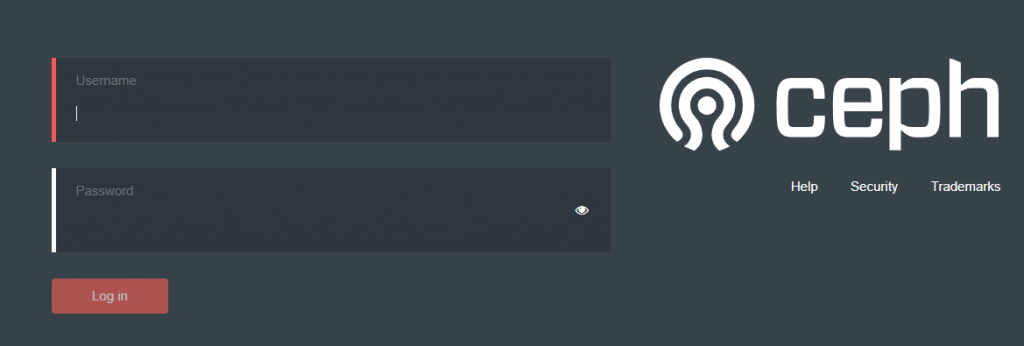
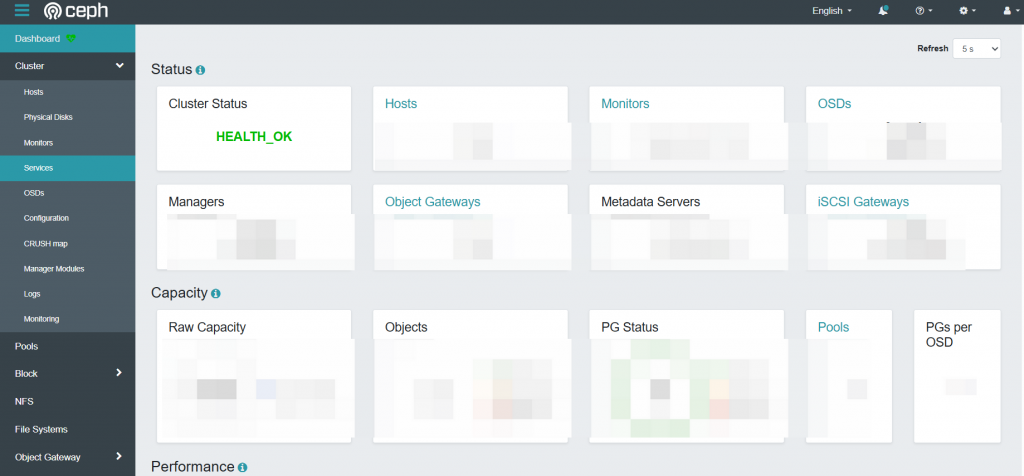
Initialize the ceph cluster by ‘cephadm bootstrap –mon-ip (IP address) –allow-fqdn-hostname –initial-dashboard-user (username) –initial-dashboard-password (password) –dashboard-password-noupdate’ command.And you can acquire the url.You can login the ceph cluster by this url.The default port of ceph manager page is 8443,visit the manager page by ‘https://IP:8443’.
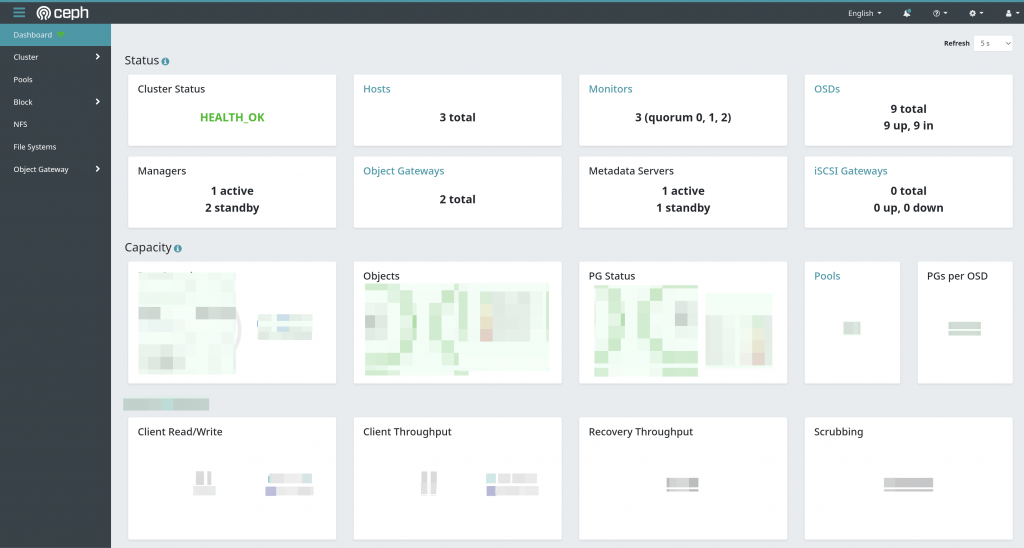
This is the main page of ceph cluster.
3.Add nodes for the cluster
Input ‘cephadm shell’ to build the container.
Then,make the public key of ceph cluster by ‘ceph cephadm get-pub-key > ~/ceph.pub’ command.
And then,copy the public key to other hosts by ‘ssh-copy-id -f -i ~/ceph.pub (username)@(hostname)’ command.
Finally,input ‘ceph orch host add (hostname)’ to add hosts into the cluster.Input ‘ceph orch host rm (hostname)’ to remove hosts.
You can input ‘ceph orch host ls’ to watch hosts in the cluster.
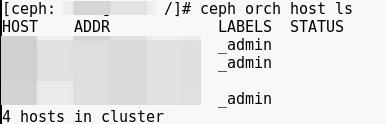
If you want to add the admin label of the host,input ‘ceph orch label add (hostname) _admin’ to add it.And then,services can be auto deployed in hosts.
4.Initialize the ceph cluster
After the deployment of ceph cluster and the service of cluster,you can input ‘ceph orch ls’ to check them.
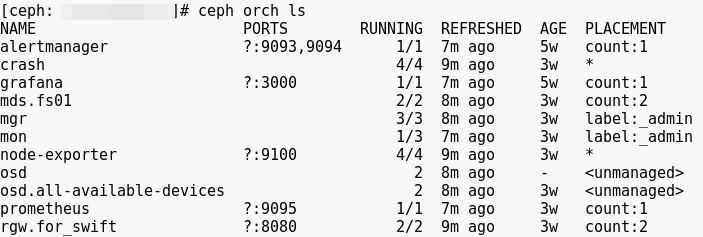
Input ‘ceph orch ps’ to check all components of the cluster.
Input ‘ceph -s’ to check the connection in the cluster.
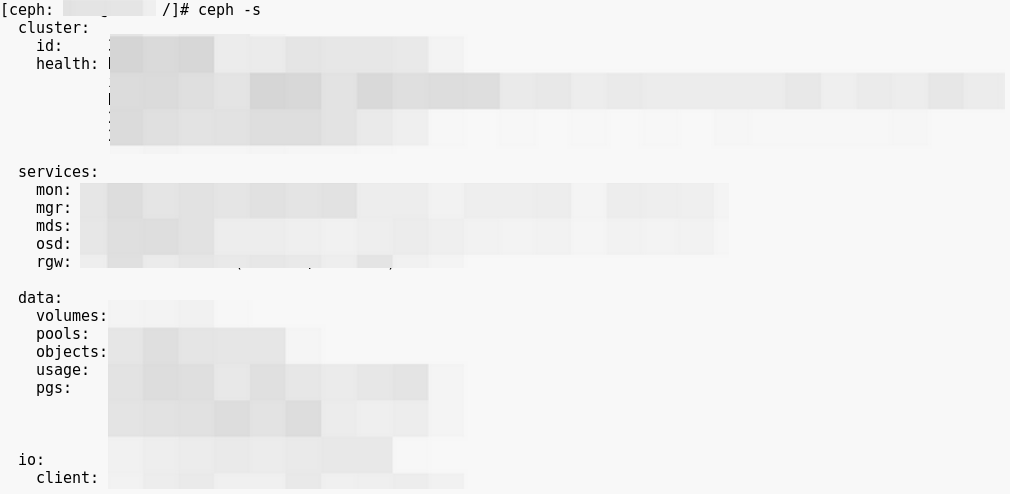
You can deploy the service manually or automatically.
5.Add the hard disk as the osd.
Input ‘ceph orch daemon add osd (hostname):/dev/(disk)’ to add.
You can add all disks of all hosts:‘ceph orch apply osd –all-available-devices’.
Input ‘ceph orch ps |grep osd’ to check the status of osd.
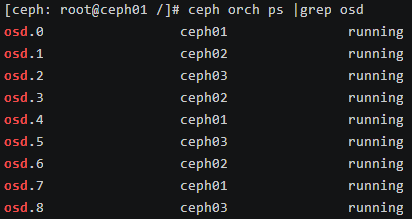
6.Hosts in the cluster.
You can check hosts in the ceph cluster after deployment.
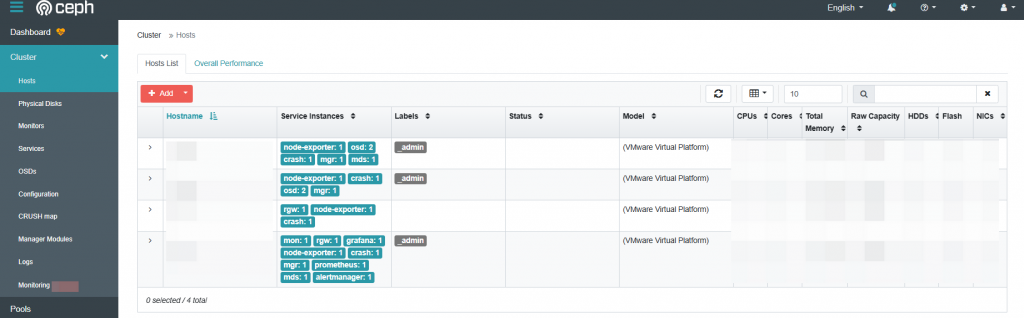
Check physical disks and other components of the host.
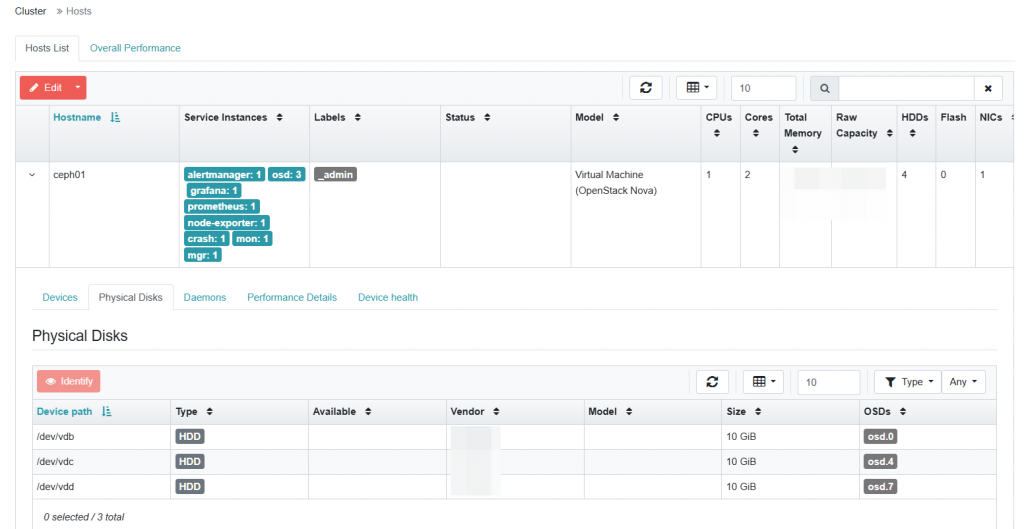
Check services of the host.
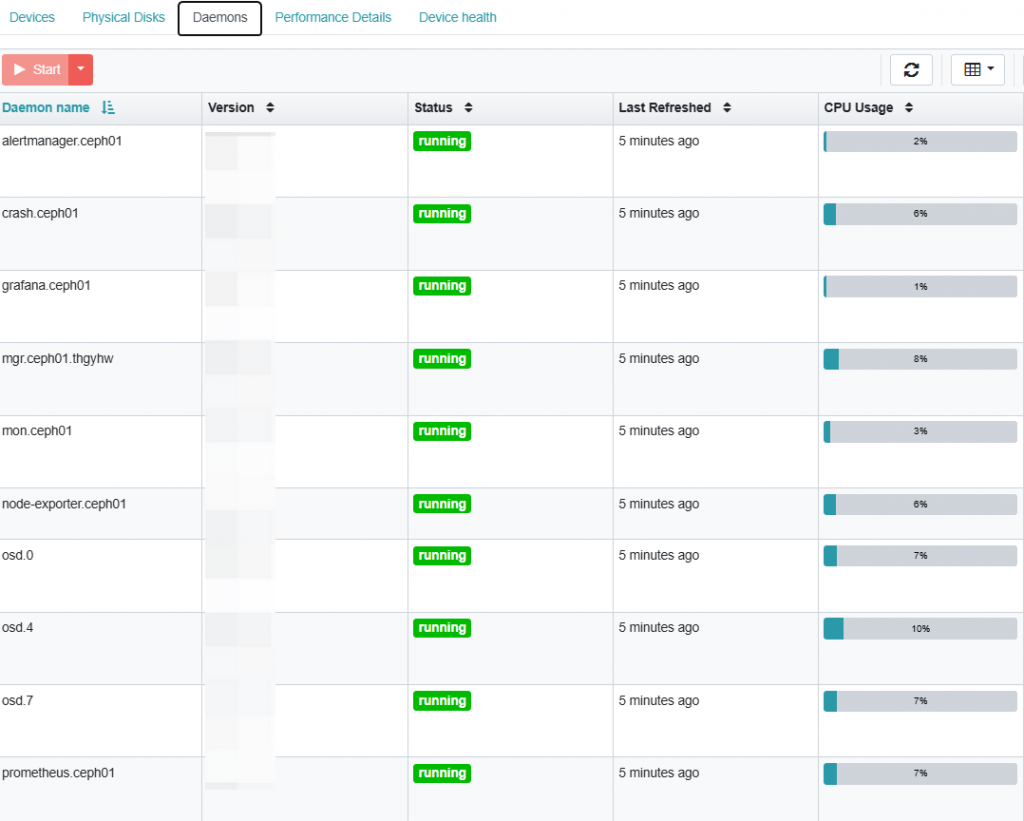
7.Components of the Ceph Cluster
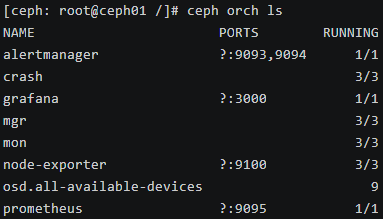
After the deployment of ceph cluster,in the ‘cephadm shell’,input ‘ceph orch host ls’ to check hosts,input ‘ceph orch ls’ to check services,input ‘ceph orch ps’ to check components.
For example,there are 8 kinds of services.
MGR(Ceph Manager):Ceph manager can provides graphical page to check the status of ceph cluster.Ceph manager can integrate third-party management plugins like grafana,zabbix,and so on.
MON(Monitor):Maintenance of the ‘Cluster Map’.In the ceph cluster,the interaction and coordination among the various components of ceph need to be carried out according to ‘Cluster Map’.
OSD(Ceph Object Storage Daemon):The building unit of the ceph cluster,the location of data storage.A node of ceph cluster run several OSDs.OSD storages data in the disk of node.Usually,every OSD corresponding to a disk.There are 4 status of OSD:’up and in’ means OSD are running normally and bearing at least 1 PG;’up and out’ means OSD are running normally but no PGs,new OSDs in the cluster are ‘up and out’ status;’down and in’ means OSD running abnormally and at least bearing 1 PG,can take measures to recover ‘up and in’ status;’down and out’ means OSD running abnormally and bearing no PGs.
PG(Placement Groups):Subset of pool,gather of objects.
Pool:The conception of ceph cluster,deposit objects.The pools are isolates from each other.
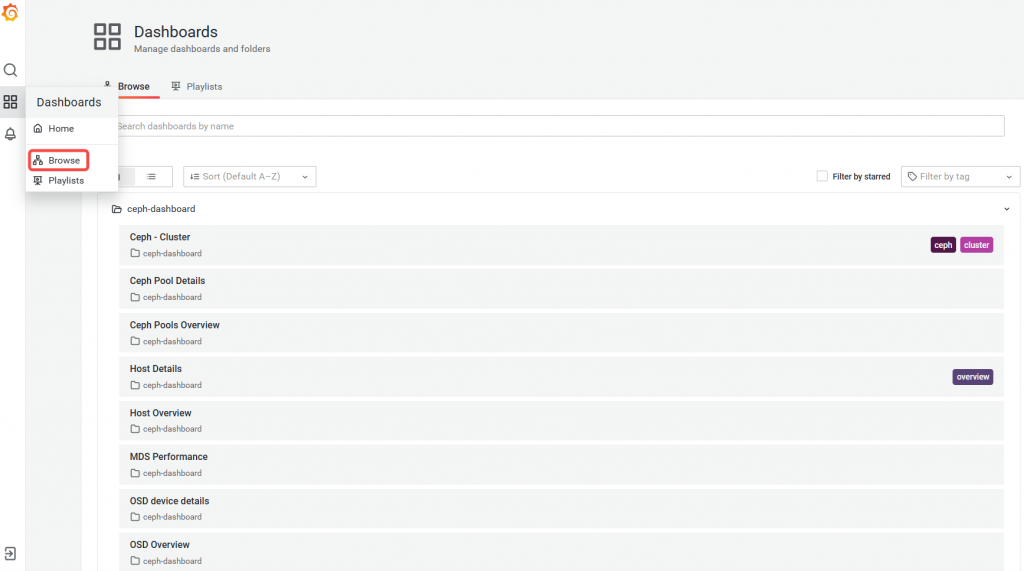
Grafana:The default port of Grafana is 3000,visit the Grafana page by ‘https://IP:3000’.This is the home page of Grafana.
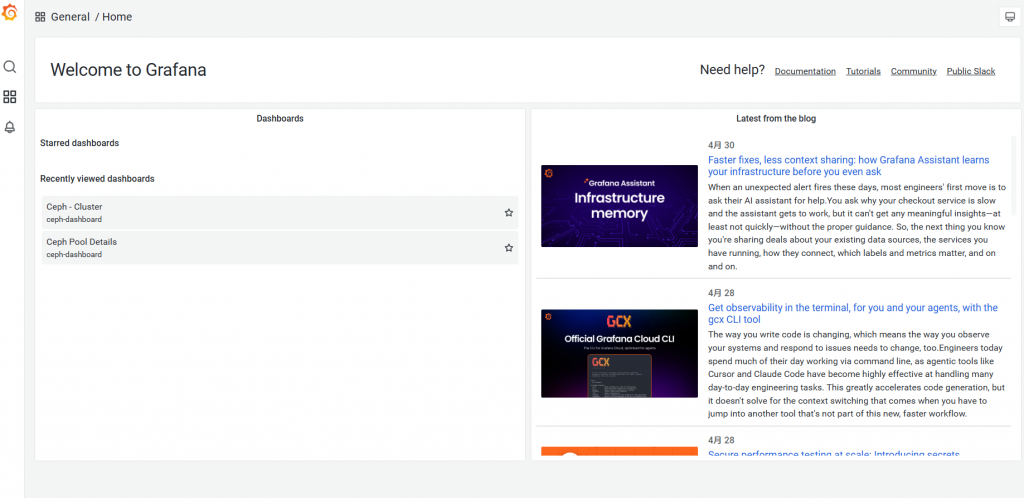
Browse ceph-dashboard in Grafana.
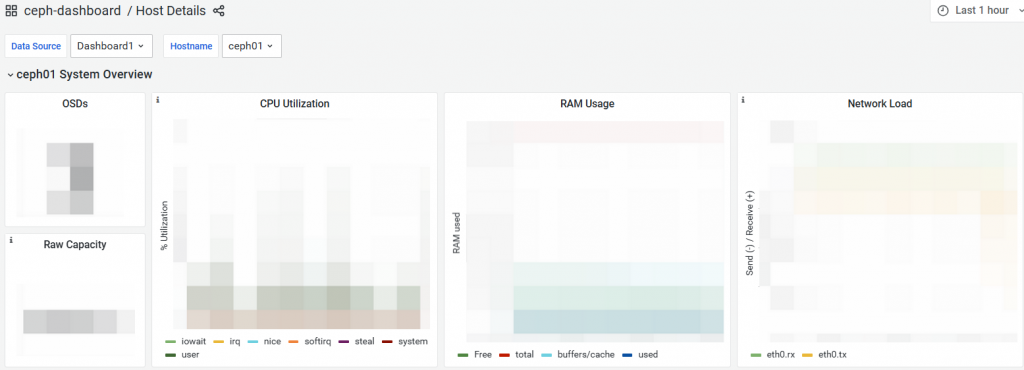
Monitor host details of the ceph cluster.
Leave a Reply